
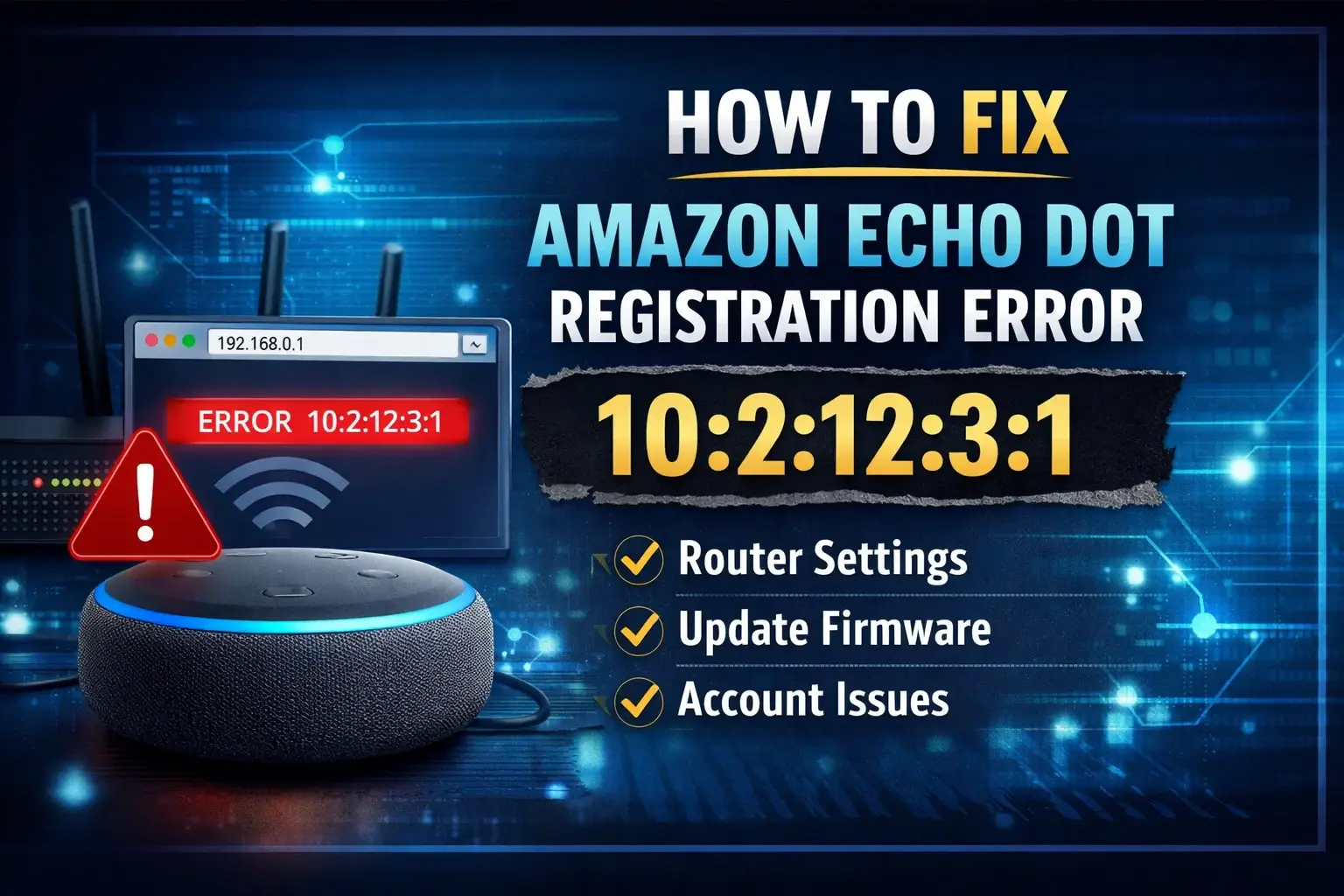
Did you encounter the Amazon Echo Dot registration failure error 10:2:12:3:1 while setting up your device?
Are you stuck with the error message: “There was an error registering your device (10:2:12:3:1)” while setting up your Echo device?
Or did your Amazon Echo Dot suddenly refuse to register with the Amazon Alexa app?
If yes, don’t panic – this issue is more common than you think, and the good news is that it’s usually fixable with the right approach.
In this comprehensive troubleshooting guide, we’ll break everything down for you in simple terms. By the end of this article, you’ll understand:
- What the Echo Dot registration failure error 10:2:12:3:1 actually means
- Why it happens
- Different real-life scenarios where users face this issue
- Step-by-step fixes for each situation
- Advanced troubleshooting tips that most guides don’t cover
What Causes Echo Dot Registration Failure Error 10:2:12:3:1?
Before jumping into solutions, it’s important to understand the root causes. This error typically occurs due to:
- Network restrictions or router security settings
- Outdated firmware or app version
- Long inactivity of the device
- Incorrect account credentials
- Improper network configuration
Depending on your situation, the fix may vary. Let’s go through the three most common scenarios.
Why Does This Error Occur? (Detailed Guide)
Understanding the root cause helps you fix the issue faster. Below are the most common reasons:
1. Router Security Restrictions
Many modern routers come with built-in security features like:
- DoS (Denial of Service) protection
- Port blocking
- Firewall filtering
These features can sometimes block your Echo device from connecting to Amazon servers.
2. Weak or Unstable Wi-Fi Connection
If your Echo device:
- Is too far from the router
- Has weak signal strength
- Or faces frequent disconnections
…it may fail during registration.
3. Outdated Alexa App or Device Firmware
Older versions of the Amazon Alexa app or outdated firmware on your Echo device can cause compatibility issues.
4. Long Period of Inactivity
If your Echo device hasn’t been used for months (or even a year), it may:
- Require firmware updates
- Fail to sync with current Amazon systems
5. Incorrect Network Configuration
Settings like:
- WPA/WPA2 mixed mode
- Dynamic IP conflicts
- Guest network restrictions
can interfere with the setup process.
Methods to Fix Echo Dot Registration Failure Error 10:2:12:3:1
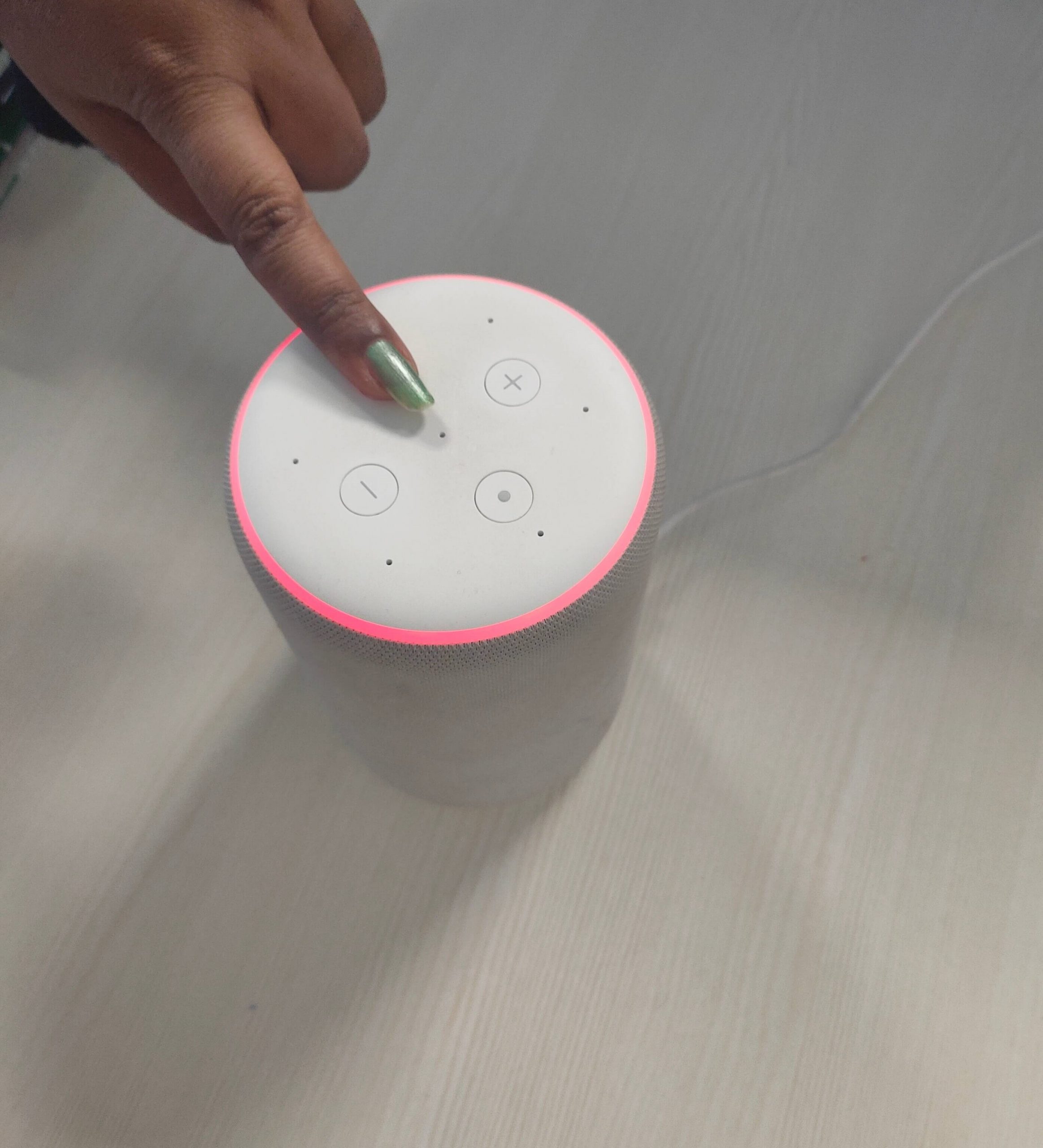
Situation 1: Error on a Brand-New Echo Device
If you just bought a new Echo device and are seeing this error during setup, the issue is most likely related to your router settings or network security.
– Fix: Adjust Router Settings and Restart Devices
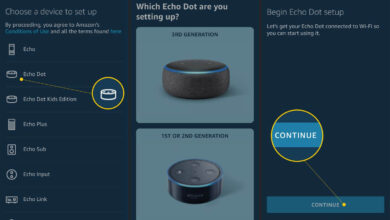
- Launch the Amazon Alexa app on your smartphone
- Tap on Devices from the menu
- Open a browser and enter: 192.168.0.1
- Log in using your router’s username and password
- Go to Advanced Settings – Network Logs
- Disable DoS (Denial of Service) Port Scan Protection
- Then: Navigate to Advanced Settings – WAN Setup
- Disable Port Scan and DoS Protection
- Click Apply to save changes
- Restart Everything like Router, Modem, Echo device.
Exit your admin page and restart your router, modem along with your echo device. If you seen any ring light above the Echo device then you must fix it by reading a detailed Guide on Alexa ring light issue.
Situation 2: Error After Long Inactivity (1 Year or More)
If your Echo device has been unused for a long time, it may fail to register due to outdated firmware or app compatibility issues.
In simple words, if you try to register your echo device after a long, there are high chances of getting the Echo Dot registration failure error. In such a situation, you have two options to sort this issue. Following check out both the methods in detail.
– Update the Alexa App
- Open the Amazon Alexa app.
- Go to the “Help and Feedback” option under the main menu bar.
- Then, go to User Guide > Echo device > Alexa device software update.
After doing this, again try to register your Echo device, you will get success.
– Put Device in Download Mode
Another option to fix this situation is to leave your echo device in download mode. Do the following:
- Put your Echo device into Download Mode
- Turn on Mute Mode
- Leave the device untouched for at least 1 hour
- Download updates
- Install firmware updates.
Your device will get updates within an hour. After updating when you will try to register it again, most probably you will get success.
Situation 3: Error After Resetting or Deregistering Echo
If you reset or deregistered your Echo device and are now facing this error, it’s likely due to account mismatch or network configuration issues.
Fix: Check Account & Network Settings
- Make sure you’re using the same email ID that was previously linked to your Echo device.
- Log in to your router settings and Enable Guest Wi-Fi Network.
- Go to router/network settings
- Change IP configuration from Dynamic to Static IP
- Check if any updates are pending.
- Install the latest firmware before retrying setup.
- Ensure your network is set to: WPA2
- Now, its time to log in to the Alexa app and start again with the set up of your Echo device.
Final Thoughts
The Amazon Echo Dot registration failure error 10:2:12:3:1 can seem frustrating at first, but in most cases, it’s caused by network settings, outdated software, or account issues.
By identifying your specific situation and applying the right fix, you can quickly get your Echo device up and running again.