How to Turn Off Ring Camera [With or Without App: Easy & Quick Methods]

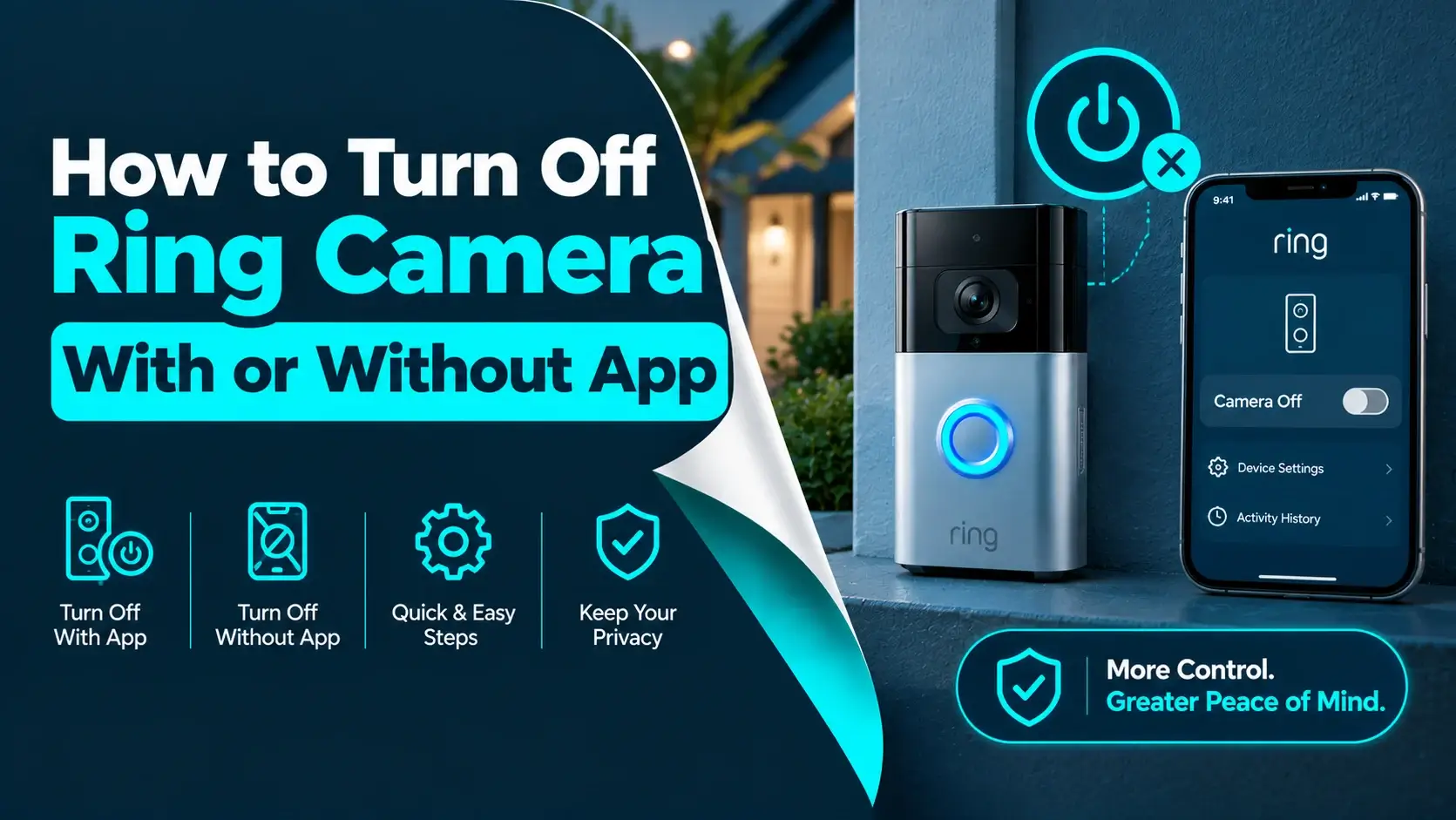
If you are using a Ring device at home, there will be one day when you want to learn how to turn off your Ring camera without getting confused. Maybe you want some privacy, maybe you are fixing an issue, or maybe you are moving your device to a new place. Whatever your reason is, understanding the right way to turn off Ring camera can save you time and prevent mistakes.
Many people think that the only way to control their Ring device is with the mobile app, but this is not always true. There are many easy and safe ways you can turn off Ring camera without using an app. In this blog, you will get to know these methods in a simple way.
By the end of the blog, you will know how to turn off Ring camera in different situations.
Let’s start with the basics….
Why would you want to Turn Off Ring Camera?
Before starting with how to turn off Ring camera, you need to understand why someone wants to turn off Ring camera. Below are some common reasons:
- You want some privacy for a certain time.
- You want to troubleshoot the device.
- Your app is not working.
- You are moving to a new home.
- You want to reset the device.
- You are replacing or upgrading your camera.
- Your internet is not working
- You have lost access to your phone.
What should you know before you turn off Ring camera?
Before you move forward to know how to turn off Ring camera, you should keep a few important points in your mind:
- Turning off your Ring camera will stop recording and alerts.
- You will not receive motion notifications.
- Your saved videos will remain safe in your account.
- Your home may not be monitored during that time.
So, if security is important at that moment, you have to make sure that you have another option before you turn off Ring camera.
How to turn off Ring Camera using the Ring mobile app?
If you have access to your Ring mobile app, then this is the most easiest way to turn off your Ring camera without removing anything. Follow the below steps you have to follow to turn off Ring camera using the Ring mobile app:
- Firstly, open your Ring app.
- Secondly, select your Ring camera device.
- Next, go to device settings.
- Now, turn off motion detection.
- Lastly, disable the live view if needed.
This method does not completely power down your Ring device, but it helps you to turn off Ring camera recording and alerts features.
How to turn off Ring Camera by removing the battery?
If your Ring camera is working on batteries, then this is one of the simplest ways to know how to turn off Ring camera. Below are some steps that you have to follow:
- First, locate the security screw.
- Secondly, use the screwdriver to remove it.
- Now, take off the face plate of the Ring camera.
- Lastly, remove the battery pack.
Once you have removed the battery, your device will shut down immediately. This is also a quick and effective way to turn off Ring camera completely. You should use this method:
- When you want a temporary shutdown.
- When you are replacing the battery.
- When you need some privacy.
- When you are storing the device.
How to turn off Ring camera from the breaker?
If your device is hand wired, then removing the battery is not an option. In this case, you can use your home’s electrical system to turn off Ring camera. Here are some steps that you have to follow:
- First, find your home’s electrical panel.
- Secondly, locate the correct breaker.
- Now, switch it off.
- Lastly, check if the camera is powered off.
This method is very helpful when you want to turn off Ring camera safely without touching the device. Here are some safety tips you have to remember before trying the above steps:




- Always turn off the correct breaker.
- Always try to avoid touching wires.
- Always ask for help if you are unsure about anything.
How to turn off Ring camera by disconnecting the wires?
Here is another method for you to turn off Ring camera: disconnect the wiring behind your device. This method is mostly used when you want to remove the camera permanently.
Here are some steps you have to follow:
- First, remove the faceplate.
- Secondly, unscrew the mounting bracket.
- Now, gently pull your Ring device out.
- Lastly, disconnect your wires.
Once the wires are removed, your Ring device will completely shut down. This method is useful to you when:
- You want to replace your device.
- You want to move homes.
- You are doing repairs.
How to turn off Ring camera for privacy?
Privacy is one of the main reasons people want to know how to turn off Ring camera. If you don’t want to remove your Ring device completely, here are some simple tricks for you:
- First, turn off motion detection from the app.
- Secondly, remove the battery temporarily.
- Now, turn off the breaker.
- Lastly, cover the camera lens.
You have to keep in your mind that covering the lens does not fully turn off Ring camera, but it does not block recording.
How to turn off Ring camera without internet?
Sometimes, your Wi-Fi may not be working, and you still need to turn off Ring camera. Here are some better options for you:
- You can remove the battery.
- You can turn off the breaker.
- You can disconnect the wiring.
Since your Ring app depends on the internet, manual methods are the best way to turn off Ring camera in this situation.
What mistakes should you avoid while turning off Ring camera?
While knowing how to turn off Ring camera, some people often make small mistakes that can cause damage to their Ring camera. Here are some common mistakes that you have to avoid while turning off Ring camera:
- Pulling the device without removing the screws.
- Forgetting to turn off the power first.
- Losing small parts like screws.
- Touching exposed wires.
- Forcing the faceplate.
Taking your time and following the steps carefully will help you safely turn off Ring camera.
How to turn on Ring camera again?
After you turn off Ring camera, you may want to turn it on again later. Here are some ways through which you can turn off Ring camera according to the models. For your battery-powered models:
- First, insert the battery.
- Secondly, attach the faceplate.
- Lastly, tighten the screw.
For your wired models:
- First, turn the breaker back on.
- Lastly, reconnect the wiring if needed.
Once the device is powered on, it will restart and reconnect automatically.
How to check if you successfully turned off Ring camera?
Sometimes, some users think they have learned how to turn off Ring camera, but the device is still active. Here are the ways you can confirm whether you have successfully turned off Ring camera or not:
- First, check if your battery is removed.
- Secondly, confirm if your breaker is off.
- Now, wait for a minute after the power removal.
- Lastly, check if the lights on the device are off.
If your device still seems active, repeat the steps properly to turn off your Ring camera.
Final Thoughts
Knowing how to turn off Ring camera is a simple but important skill for any Ring user. Whether you want privacy, need to fix a problem, or are moving your device, here are multiple easy ways to do it.
You can turn off Ring camera using the app, by removing the battery, switching off the breaker, or disconnecting the wiring. Each method works in different situations, so you can choose what fits your needs best.
The key is to stay careful, follow the steps properly, and avoid rushing. Once you understand the process, you will be able to handle your device without any stress.