
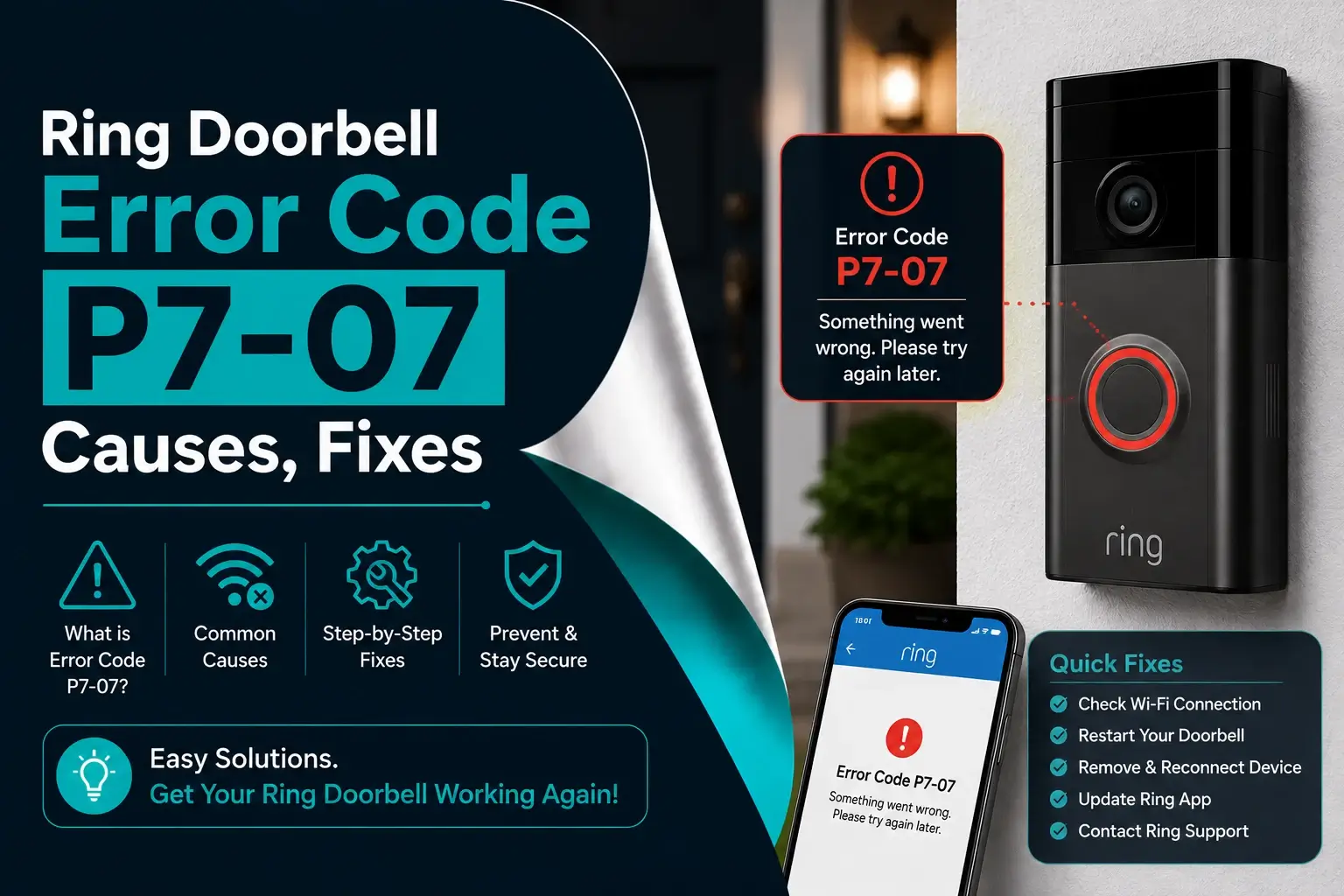
If you just started your Ring app and are starting at Ring error code p7-07 on your app, then you are not alone, and we’ve all gone through this more than once in our lifetime.
This error has confused and frustrated thousands of Ring users. The good news is that you can easily fix this problem at home without replacing your device.
In this blog, you will know what the Ring error code p7-07 really means, why it usually happens, how to fix it step by step, and how to prevent it from coming back.
What exactly is the Ring error code P7-07?
Ring error code p7-07 is most commonly related to a power or battery issue. It usually appears when your doorbell does not receive enough stable power to function correctly, and this can happen on both battery-powered Ring doorbells and hardwired models.
In simple terms, your Ring doorbell is telling you: I am not getting the power I need to work properly, and when this error occurs, you will notice:
- Live view is not loading properly.
- Motion detection often stops.
- There are frequent disconnections.
- Your doorbell goes online.
- The battery is draining unusually fast.
What are the common signs of Ring error P7-07?
Before you jump into fixes, you have to first confirm that the Ring error code P7-07 is actually the problem or not. If it is the problem, then you will notice one or more signs such as:
- Error message P7-07 in the Ring app.
- The doorbell works sometimes, then suddenly stops.
- Battery percentage drops rapidly.
- Live video fails to connect.
- Notifications stop arriving.
- The ring device shows as “offline”.
If any of these signs feel familiar, then this blog is exactly what you need.
Why Ring Doorbell error P7-07 really happen?
We all have this question in our minds: why does Ring error code P7-07 really happen, and understanding the root cause of the error will help you fix the issue permanently instead of trying some temporary solutions.
Below are the most common reasons behind the Ring Doorbell error P7-07:
Low or unstable power supply
This is the very first reason behind your Ring Doorbell error, and if your doorbell does not receive consistent voltage, then it cannot operate correctly.
– For battery models:
- Your battery is too low.
- Your battery is damaged or old.
- Your battery is not seated properly.
– For wired models:
- The transformer is not supplying enough voltage.
- You may have loose wiring.
- You may have an old or incompatible doorbell transformer.
Weak or fluctuating Wi-Fi connection
While P7-07 is mainly a power error, poor Wi-Fi can make it worse. If your doorbell keeps reconnecting, it consumes more power and will trigger your Ring error code P7-07. Some common Wi-Fi issues include:
- The router is too far from your doorbell.
- The thick walls are blocking your Wi-Fi signal.
- You may have network congestion.
- You may have outdated router firmware.
Extreme weather conditions
In both India and the USA, the weather plays a major role in Ring error code P7-07. Ring doorbells are sensitive to temperature because:
- High heat can drain the batteries faster.
- Cold temperatures can reduce the doorbell’s battery efficiency.
- Heavy rain or humidity may affect wiring.
Extreme weather often leads to your error code P7-07 on ring especially in outdoor installations.



Incorrect installation or wiring
If your Ring Doorbell was recently installed or reinstalled, wiring errors may cause unstable power. Some examples include:
- Loose wire connections.
- Incorrect transformer rating.
- Using an old doorbell’s wires.
- Corroded terminals.
Firmware or app issues
Sometimes, the issue is not physical at all. Outdated firmware or bugs in the Ring app can misreport power status and trigger the Ring error code P7-07.
How to fix Ring Doorbell error P7-07 step-by-step?
Now, let’s get to the part you are here for: fixing Ring error code P7-07.
1. Check the battery level
Before troubleshooting Error P7-07, it’s important to know how your Ring Doorbell is powered. Different models rely on either a rechargeable battery or hardwired electricity, and using the wrong fix may not resolve the issue. Identifying the power type helps you apply the correct solution from the start.
- Open the Ring app.
- Go to your device.
- Check your battery percentage.
If it is below 20%, you have to recharge it immediately.
2. Remove and Reseat the Battery
Temporary system glitches can occur after power interruptions or failed setup attempts. Restarting the Ring Doorbell allows the device to refresh its internal system and often clears errors like P7-07 without further troubleshooting.
Sometimes the doorbell battery is fine, but it is not making proper contact.
- First of all remove the doorbell from the mount.
- Next step is to take out the battery.
- Now wait for 30 seconds.
- Next is to reinsert the battery firmly.
- Install it to mount the device again.
Many users have to fix the Ring error code P7-07 with this simple step.
3. Restart the Ring Doorbell
Temporary system glitches can occur after power interruptions or failed setup attempts. Restarting the Ring Doorbell allows the device to refresh its internal system and often clears errors like P7-07 without further troubleshooting.
- Remove the battery or turn off the power.
- Now, wait 60 seconds.
- Next step is to restore power.
- Allow the device to reconnect fully.
This resets the internal system and often clears the Ring error code P7-07.
4. Improve Wi-Fi strength
Although P7-07 is mainly a power-related error, unstable internet connections during setup can cause it to appear. A strong and reliable Wi-Fi connection ensures the Ring Doorbell can communicate properly with the app during configuration.
- Switching to a 2.4 GHz network.
- Reducing interference from other devices.
- Updating router firmware.
A stable connection reduces power drain and prevents the Ring error code P7-07 from reappearing.
5. Update the Ring app and firmware
You have to always keep your Ring app updated. Using an outdated or malfunctioning Ring app can interfere with device setup.
Updating the app and restarting your phone helps eliminate software-related issues that may be triggering the error. To keep your app and firmware update you have to:
- Visit the Ring app store.
- Update the Ring app
- Check device firmware inside the app.
Software improvements often resolve apps and firmware’s background issues that lead to the Ring error code P7-07.
6. Re-Add the Doorbell in the Ring App
After resetting the device, it must be added back to your Ring account. Carefully following the setup steps in the app ensures the device reconnects correctly and avoids repeating the same error.
- Select “Set Up a Device”
- Follow on-screen instructions
- Reboot once the device successfully installed.
7. Perform a factory reset
If basic troubleshooting does not resolve Error P7-07, performing a factory reset can remove corrupted settings. This step restores the doorbell to its default state, allowing you to start the setup process fresh.
- Press and hold the setup button for 20 seconds.
- Release and wait for flashing lights.
- You have to set up the device again.
This will help you to remove corrupted settings that may cause the Ring error code P7-07.
Final Thoughts
Ring Error Code P7-07 is usually caused by power interruptions or setup problems. In most cases, checking the power source, restarting the device, and resetting it will fix the issue quickly.
By following these step-by-step solutions, you should be able to restore your Ring Doorbell and keep your home security running smoothly.