



Kindle fire is very easy to reset and you can easily reset Kindle fire password without losing data from its settings menu. The only thing that you ought to know is the current password and this is going to do the trick.
Today, in this article we are going to learn the way through you will be able to reset kindle fire password without losing data and that too without any hassle.
There may be sometimes when you cannot just remember the password because there is too much on your mind and you are constantly trying to remember it but you just cannot.
If you have also forgotten your security passcode, then there is a need to restore the device to the factory settings so that you can access your kindle fire and all the other feature with it.
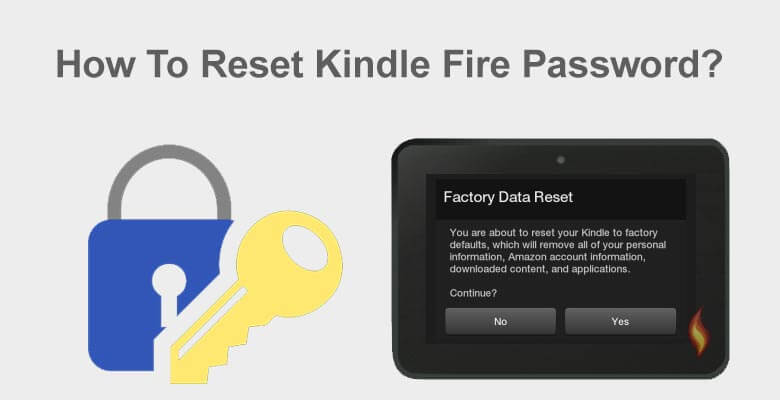

But you do not want to do that as you are going to lose all your data. So what that you are able to the steps that you would have to follow in order to make sure that you do not lose your data while resetting the kindle fire.
Below we will be discussing some of the steps and what you need is to be attentive and read of all them carefully. You need to make sure that you are also applying them in the same manner.
Can You Reset Kindle Fire Password Without Losing Data?
Yes — you can reset your Kindle Fire lock screen password without performing a factory reset, provided:
- Your device is connected to Wi-Fi
- It is registered to your Amazon account
- You remember your Amazon account login credentials
If these conditions are met, you can unlock your device safely without deleting apps, books, or personal files.
How to Reset Kindle Fire Password Without Losing Data
1. Reset Kindle Fire Password Using Your Amazon Account (Recommended)
Among the easiest ways to reset kindle fire is with the help of the Amazon account. And if you see that you do not have the Amazon account, then you can create one in order to reset the kindle fire without losing the data.
You need to make sure that you know how to make the amazon’s account. In case, you do not know then you can get in touch with the official kindle support and they are going to help you out.
– Method to Reset the Kindle Fire using Amazon Account:
- Turn on your Kindle Fire.
- Enter the wrong password multiple times (usually 5 attempts).
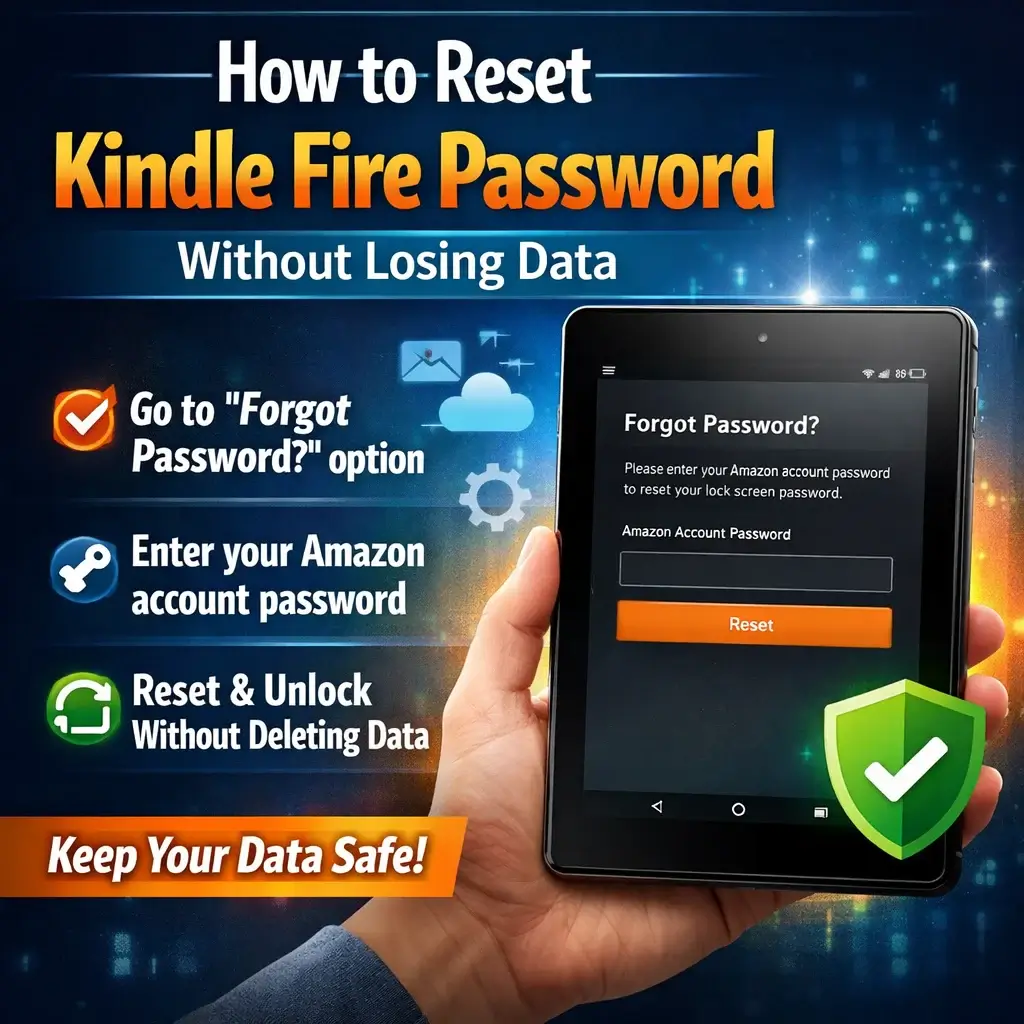
- After several failed attempts, you will see the “Forgot Password?” option.
- Tap on Forgot Password.
- Enter your Amazon account email and password.
- Create a new lock screen password.
- Confirm the new password and unlock your device.
Once completed, your Kindle Fire will open normally — all apps, books, and data remain intact.
— What If You Forgot Your Amazon Account Password?
If you cannot remember your Amazon login details:
- Visit the official Amazon website.
- Click on “Forgot Password?”
- Follow the account recovery process (email or OTP verification).
- Reset your Amazon password.
- Return to your Kindle Fire and try the reset process again.
This method still allows you to reset the Kindle Fire password without losing stored data.
2. Factory Reset (Only If You Cannot Access Amazon Account)

If you cannot remember your lock screen password and you’re unable to recover your Amazon account credentials, performing a factory reset on your Amazon Kindle Fire becomes the last available option.
— When Should You Perform a Factory Reset?
- Don’t remember your lock screen password
- Cannot recover your Amazon account
- Do not see the “Forgot Password” option
- Then a factory reset becomes the only solution.
⚠️ Important: A factory reset erases all local data from the device.
— How to Factory Reset Kindle Fire:
- Turn off the device.
- Press and hold the Power + Volume Down buttons simultaneously.
- When the recovery screen appears, select Factory Reset.
- Confirm your selection.
- Now, The device will return to default settings.
- You must sign in again with your Amazon account.
- Previously purchased books and apps can be re-downloaded from the cloud.
How to Protect Your Data Before Resetting
To prevent future data loss:
- Enable automatic cloud backup
- Sync your Kindle regularly
- Keep your Amazon account credentials secure
- Use a password manager
Final Thoughts
Resetting your Kindle Fire password without losing data is simple — as long as you remember your Amazon account credentials. The “Forgot Password” feature allows you to regain access without deleting apps, books, or files.
If you cannot access your Amazon account, a factory reset may be necessary — but remember that it will erase local data.
By following the step-by-step guide above, you can safely unlock your Kindle Fire and continue enjoying your digital library without hassle.